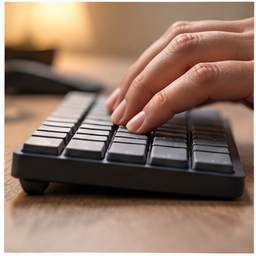
The sound that bothers a housemate may be the space bar, a hollow desktop or keystrokes entering a nearby microphone. “Quiet” on a listing does not tell you which of these will improve. Identify the sound at the place where someone hears it, then decide whether the keyboard is the right thing to replace.
Find your next step
Select the situation you recognize. This identifies a research route, not a compatibility approval.
Read the decision checks ↓Listen from the other side of the desk
Record a short typing sample with the microphone used for calls, then listen from the seat where a housemate works. Keep typing effort and microphone position consistent when comparing changes. Phone recordings with automatic gain are not calibrated sound measurements, but they can expose a rattling space bar or surface vibration. Do not turn those clips into a claimed decibel reduction.
Try the changes that preserve a good keyboard
Place the keyboard flat on a stable surface and move loose objects that rattle. If the desktop resonates, test a suitable thin desk mat without making the keyboard uncomfortably high. For calls, moving the microphone closer to the voice and using the application’s supported noise settings may help. These changes address different paths; a quiet keyboard does not eliminate room echo or a badly placed microphone.
Where the Signature Slim K950 fits
Logitech describes K950 as a full-size keyboard with laptop-style keys and quiet typing. It is a relevant candidate for someone who wants that familiar key feel and regularly uses a number pad. This is a manufacturer description, not a DeskWise acoustic measurement. Someone who dislikes laptop keys or rarely enters numbers may prefer a different layout even if the sound is appealing.
The number pad has a space cost
Measure the keyboard and the mouse area together. On a narrow desk, a full-size board can push the pointing device farther to the side. If the number pad is central to your spreadsheet work, the trade-off may be worthwhile. If it is mostly unused, compare a compact layout before purchasing. A quieter board that creates a reaching problem is not a complete improvement.
Check the daily controls, not just the alphabet
Inspect the exact regional layout, modifier keys and connection options. Consider whether you need to switch between computers and whether workplace rules allow the software used for optional customization. During a return-window trial, type passwords, use shortcuts, enter numbers and navigate a spreadsheet. These tasks reveal differences that a short paragraph of test typing misses.
Decide with the person who hears it
Repeat the initial recording and ask the nearby worker whether the distracting sound changed. Assess typing accuracy and mouse reach at the same time. Keep the keyboard if the noise improves in the relevant setting without making normal work worse. Avoid treating “silent” as literal: key impacts, desk resonance and room acoustics remain part of the result.
The decision at a glance
| Priority | K950 relevance | Trade-off |
|---|---|---|
| Laptop-like keys | Matches manufacturer positioning | Different feel from long-travel keys |
| Frequent numeric input | Full-size layout | Uses more width |
| Shared room or calls | Quiet-typing candidate | No promise of silent recordings |
A quiet keyboard earns its place when the sound at the listener improves and the layout still supports your work.
Products for the relevant scenario
These are research candidates for the conditions above. Verify the exact variant and seller’s return terms before buying.

Logitech Signature Slim K950
Consider it for: Laptop-style typing with a number pad for a shared workspace.
Before buying: Measure the full-width keyboard together with mouse space.
Trade-off: A number pad can push the mouse farther away on a narrow desk.
View product →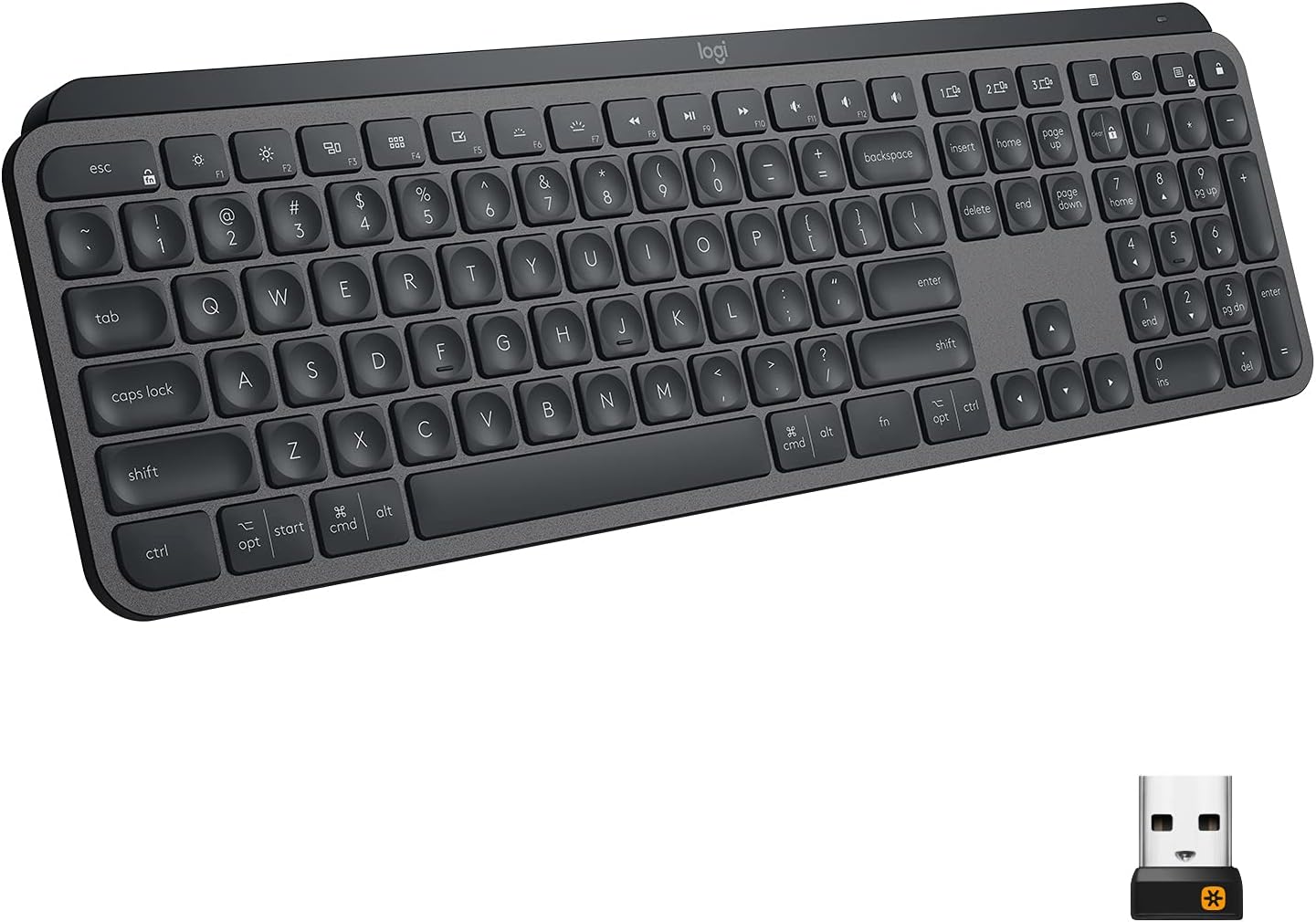
Logitech MX Keys Wireless Keyboard
Consider it for: A multi-device typing setup where a full-size keyboard and its mouse reach have been measured.
Before buying: Check the regional layout, connection routine, desk width and whether the number pad earns its space.
Trade-off: A premium keyboard does not solve a desk that leaves no usable mouse area.
View product →Sources and evidence
Based on product documentation and the sources below; DeskWise has not hands-on tested these products. Examples describe possible setups, not measured outcomes.
Editorial update: Sep 07, 2026. Product images correspond to their linked retailer pages. Prices and stock are left to the seller’s page.