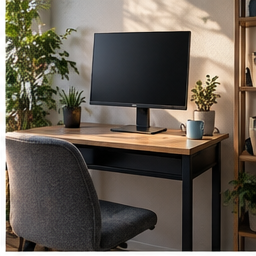
On a shallow desk, the screen base may occupy the one place where an open notebook fits. Moving the support to the rear edge can recover that surface. The gain is practical only when you can still place the screen at a useful distance and mount it to a suitable desk.
Find your next step
Select the situation you recognize. This identifies a research route, not a compatibility approval.
Read the decision checks ↓Measure the activity you want to restore
Open your actual notebook beside the keyboard or position the drawing tablet you use. Mark its footprint with removable tape. Move the current stand back only as far as it safely goes. If the activity now fits, you may not need an arm. If it remains blocked, the marked area defines the result the arm must deliver. A cleaner-looking desk is a preference, but a recovered place to write is an outcome you can test.
Single and dual arms solve different tasks
For one screen, a single arm limits the hardware you need to position. For two displays, independent adjustments can help align panels whose VESA holes sit at different heights. Two screens also require separate weight checks and enough room for both arms to move. Do not add a second arm merely because a dual bundle looks like better value; unused mounting hardware still occupies space.
Two candidates, two reasons to shortlist
The Amazon Basics single-monitor listing below is a candidate for one compatible display. The MOUNTUP dual listing is relevant when two screens need independent positioning. In either case, open the installation details before buying. Confirm the mounting pattern, each display’s without-stand weight and the desk attachment. These are researched options, not a claim that DeskWise has physically tested their stability.
What buyer feedback changes about the check
The MOUNTUP listing’s buyer-feedback summary includes both ease-of-assembly praise and reports of wobble or difficult fine positioning. Individual experiences cannot predict your desk, but they suggest a useful acceptance test: type normally, change a screen angle and check whether the display settles acceptably. Read reports that describe a similar monitor weight and desktop rather than relying on the average star score.
Make room behind the screen, not just underneath it
An arm folds through space behind the display. Against a wall, its advertised reach does not describe every usable position. Inspect the installation drawing and plan where the joints will sit. Allow cables to move without tension or sharp bends. If moving the display closer is the only way to make the arm fit, the recovered tabletop may come at the expense of a comfortable reading distance.
Keep it only if the intended task improves
After installation according to the manufacturer instructions, put the notebook back in the marked zone. Use the desk through typing and calls, then check cable slack and mount security as directed in the manual. If the original activity is still blocked, return to the mounting or layout decision instead of adding another accessory around it. An arm earns its place by making that ordinary task simpler.
The decision at a glance
| Setup | Research route | Reason to skip |
|---|---|---|
| One screen blocks writing | Single arm | Existing stand already leaves enough room |
| Two screens need separate positioning | Dual arm | Either display or desk fails compatibility |
| Height only | Existing adjustment or riser | An arm adds movement you do not need |
Choose the smallest mounting solution that restores a specific working area and passes the desk compatibility check.
Products for the relevant scenario
These are research candidates for the conditions above. Verify the exact variant and seller’s return terms before buying.
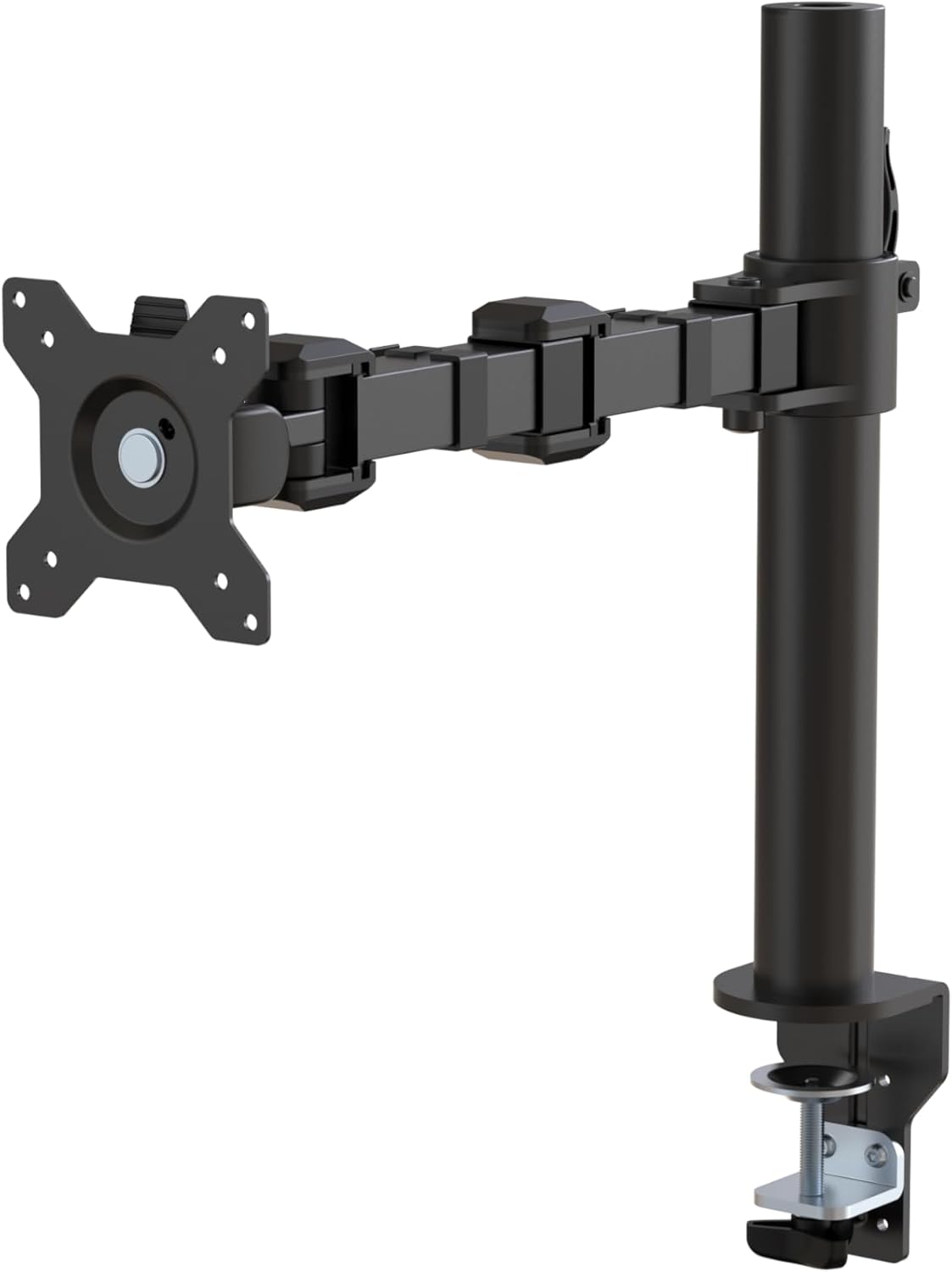
Amazon Basics Single Monitor Arm
Consider it for: One display and a verified mounting edge.
Before buying: Compare the VESA plate, weight range and clamp dimensions.
Trade-off: Two displays need separate support.
View product →
MOUNTUP Dual Monitor Desk Mount
Consider it for: Two compatible screens needing independent positioning.
Before buying: Check each screen against the per-arm limit and inspect the desk underneath.
Trade-off: A blocked or unsupported desk edge rules out a clamp.
View product →
VIVO Single Monitor Desk Mount STAND-V001
Consider it for: One compatible display and a desk edge that has passed the clamp or grommet check.
Before buying: Compare monitor weight, VESA pattern, desk construction and cable path with the current listing instructions.
Trade-off: A clamp arm remains unsuitable for an unsupported or obstructed desk edge.
View product →Sources and evidence
Based on product documentation and the sources below; DeskWise has not hands-on tested these products. Examples describe possible setups, not measured outcomes.
Editorial update: Sep 18, 2026. Product images correspond to their linked retailer pages. Prices and stock are left to the seller’s page.