
A desk can look organized and still make every morning awkward. The charger is under the table, the notebook displaces the keyboard, and joining a call means lifting the laptop onto a box. Treat these as separate problems. A twenty-minute reset is enough to discover which one deserves your next purchase; it is not a promise to perfect the whole workspace.
Find your next step
Select the situation you recognize. This identifies a research route, not a compatibility approval.
Read the decision checks ↓Minutes 0–4: watch one task, not the whole desk
Open the work you actually do: a spreadsheet, a call or a document. Count interruptions for four minutes. An interruption is a physical workaround: moving a charger, pushing the screen, reaching around a mug or clearing a place for paper. Write the repeated action verbatim. “Move notebook every time I type” gives you a testable problem; “desk feels bad” does not.
Minutes 4–10: establish the working rectangle
Set aside objects that are not needed for that task. Keep the keyboard and pointing device usable together; move storage out of the active area. Lay down the notebook you want to use, open to a normal page. Do not balance the monitor on unstable objects or let its stand overhang the desk. If the notebook fits after moving a pen holder, the solution was placement. If the monitor base still occupies the only workable area, its footprint becomes a legitimate buying constraint.
Minutes 10–15: follow the connection ritual
Unplug only the portable device you normally take away, then reconnect it as you would tomorrow. Count separate plugs and identify which cable carries power, video and data. A hub is useful if it consolidates these specific connections; it is unnecessary if one charging cable is all you reconnect. Label both ends of an ambiguous cable before hiding it. A beautiful cable bundle that requires tracing every wire has made maintenance worse.
Minutes 15–20: write the smallest useful shopping brief
Write one sentence with a limit and an outcome: “Recover space for this open notebook without moving the monitor closer,” or “Connect one external display, keyboard and power through my laptop’s supported port.” Photograph the arrangement and note the relevant measurement. A brief like this lets you reject a product in seconds. Save the budget until you know which feature the existing setup lacks.
An example: the purchase that disappears
Imagine a worker planning a large desk shelf because papers keep piling up. Removing an unused speaker and putting reference papers in a nearby folder leaves enough room for the current task. The shelf would have consumed the recovered depth. In another setup the monitor base alone occupies that space, so an arm remains worth investigating. These are illustrative scenarios, not reported DeskWise tests.
Tomorrow is the acceptance test
Repeat the same task the next morning without staging the desk. Keep the change if the interruption happens less often and a second problem has not appeared. If the notebook now fits but the mouse is trapped, the layout still needs work. Buy only for the constraint that survives this ordinary-day test.
The decision at a glance
| Repeated problem | First action | Purchase only if |
|---|---|---|
| Notebook displaced | Clear active surface | The monitor base still blocks the needed area |
| Cable ritual | Identify each connection | A compatible hub removes recurring plugs |
| Loose power accessories | Group fixed cables | A tray has clear mounting and access space |
Pick one outcome for the week. Do not buy three accessories to solve an interruption you have not named.
Products for the relevant scenario
These are research candidates for the conditions above. Verify the exact variant and seller’s return terms before buying.
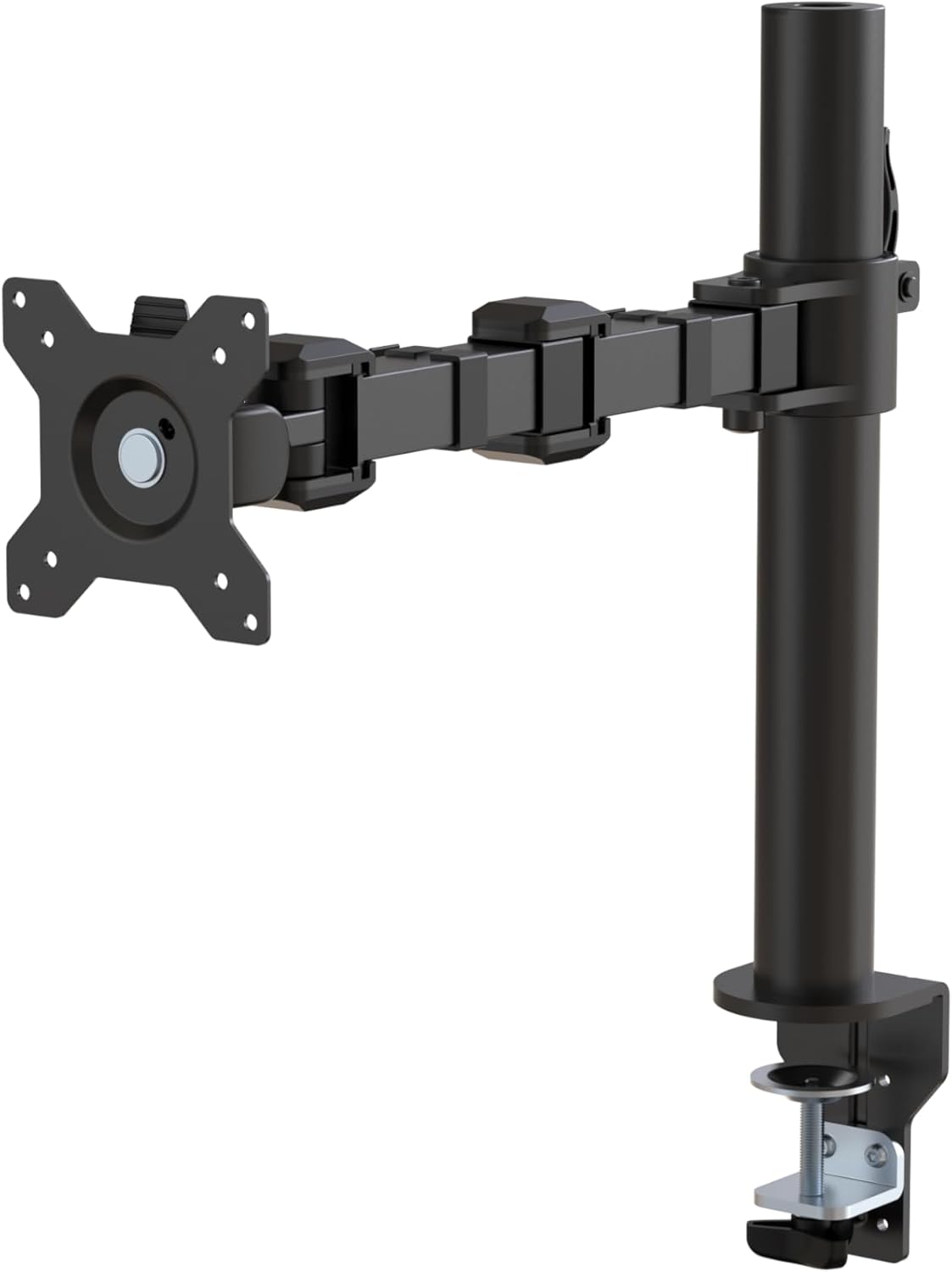
Amazon Basics Single Monitor Arm
Consider it for: One display and a verified mounting edge.
Before buying: Compare the VESA plate, weight range and clamp dimensions.
Trade-off: Two displays need separate support.
View product →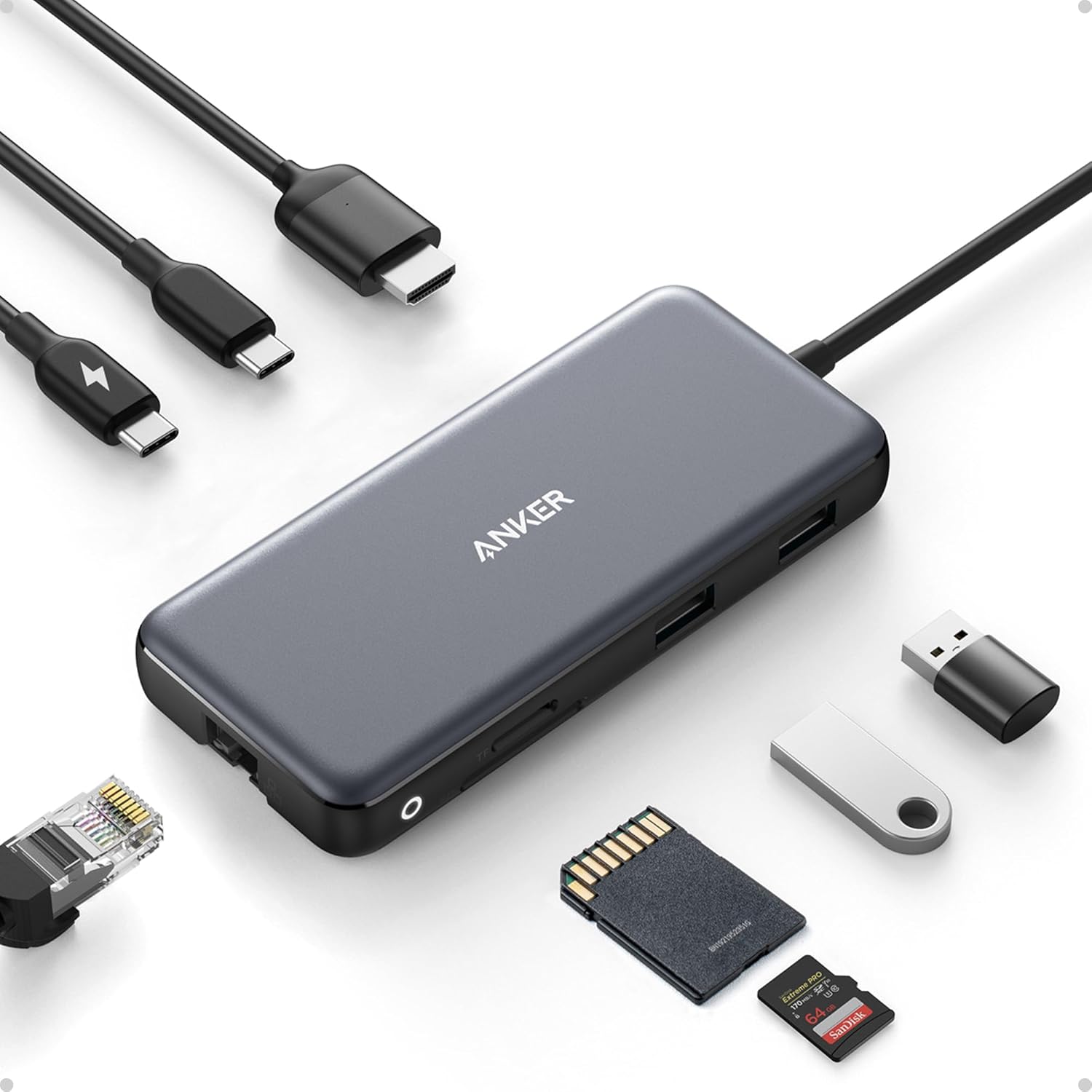
Anker 555 USB-C Hub
Consider it for: A single-display laptop setup with several daily connections.
Before buying: Confirm host video support, charger and host power requirements.
Trade-off: This is a hub, not a universal dual-display dock.
View product →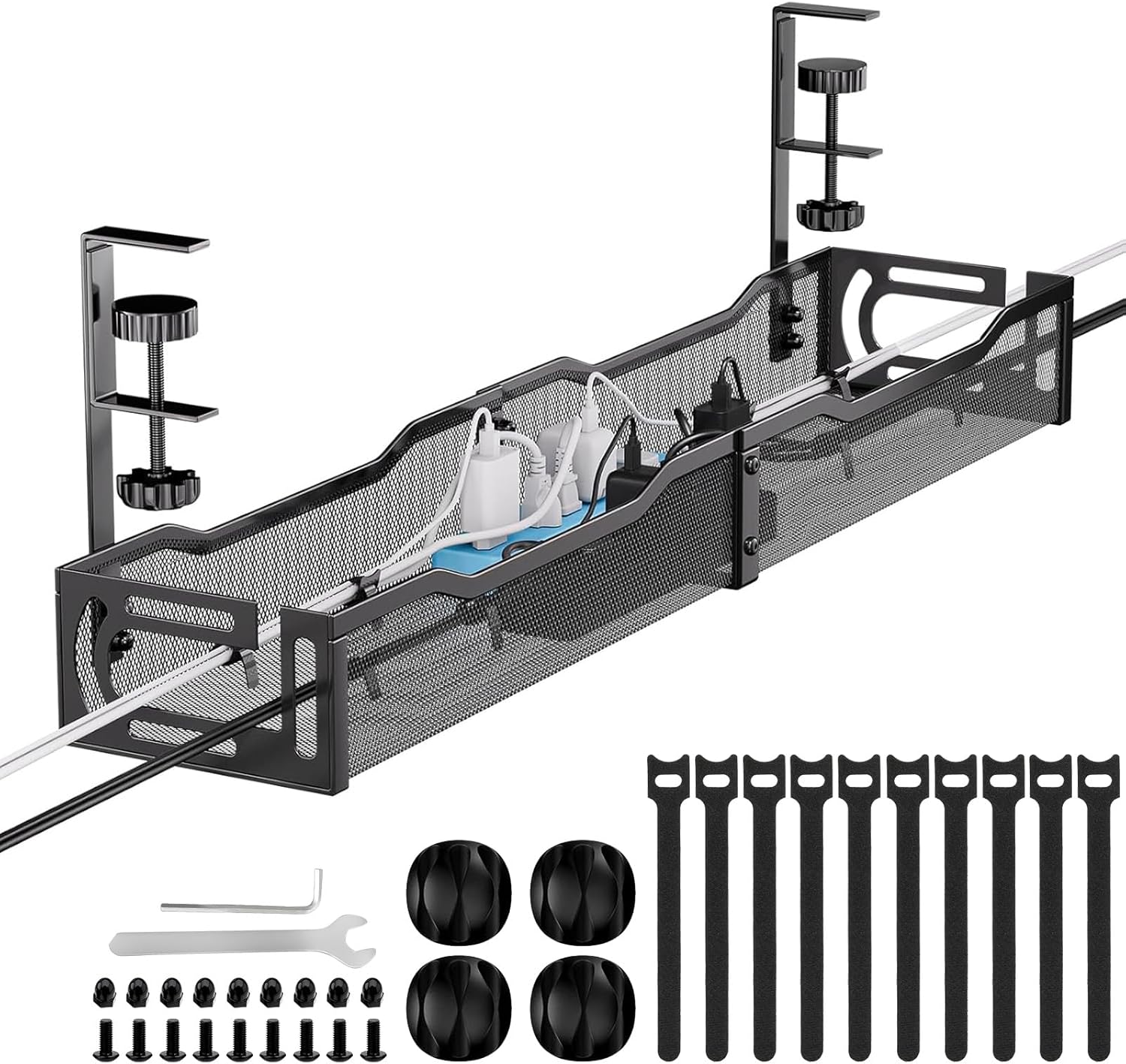
Mzmaxy 25-inch Under-Desk Cable Tray
Consider it for: A fixed group of cables and power accessories below a suitable desk.
Before buying: Compare tray clearance, clamp position, load and plug access.
Trade-off: A tray will not make a damaged cable or overloaded outlet safe.
View product →Sources and evidence
Based on product documentation and the sources below; DeskWise has not hands-on tested these products. Examples describe possible setups, not measured outcomes.
Editorial update: Sep 03, 2026. Product images correspond to their linked retailer pages. Prices and stock are left to the seller’s page.