“My calls sound bad” can describe an echo, keyboard noise, a quiet voice, a choppy connection or a microphone pointed at the wrong thing. A new microphone may help one of these and do nothing for the others. Identify what the listener hears before turning a vague complaint into a shopping cart.
Find your next step
Select the situation you recognize. This identifies a research route, not a compatibility approval.
Read the decision checks ↓Collect one useful example
Use the recording or test-call feature in the app you normally use. Read a few sentences, type briefly, then pause. Ask a colleague or listen with headphones for echo, distance, keyboard noise and dropouts separately. A short sample is not laboratory audio measurement, but it is enough to stop “bad sound” becoming one indistinct problem.
Position changes more than specifications
Move the existing microphone or webcam closer to your voice while keeping it outside the camera frame. Turn off room speakers temporarily and listen again through headphones. If the voice becomes clearer, distance or speaker feedback was a larger problem than microphone quality. Mark the workable position before researching a boom, stand or headset.
Treat echo as a room-and-device loop
Echo can come from speakers being picked up by the microphone, a bare reflective room, or more than one device joined to the same meeting. Mute or leave the duplicate connection, lower speaker volume and test with headphones. Do not buy sound treatment to fix a laptop and phone both playing the same call.
Separate typing noise from voice quality
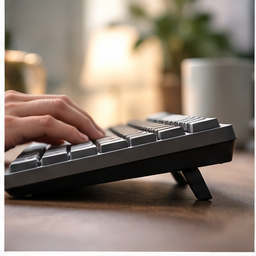
Record a typing sample at the pace you use for notes. Then repeat after moving the microphone closer to the voice. If nearby typing still dominates, explore placement, a quieter keyboard or application controls before assuming a microphone marketed for streaming will solve a shared desk. A device can improve voice detail and also make keyboard sounds more noticeable.
Connection failures are not mic failures
If audio freezes, words vanish or the call reconnects, record whether video and other network activity fail at the same time. Test a wired connection or the same call from another location before replacing sound hardware. A clean microphone cannot repair a weak connection.
Buy only for the remaining capability
After these tests, a dedicated microphone or headset may be sensible when the current device cannot reach a stable position, isolates too little room sound for the job, or is unreliable after connection checks. Compare the connection type, mounting location and return terms with the setup you tested—not with a creator’s studio.
The decision at a glance
| What listeners report | Try first | Buy only if |
|---|---|---|
| Echo | Headphones and one joined device | The tested setup still feeds back |
| Distant voice | Move existing mic closer | It cannot hold a workable position |
| Dropouts | Connection and app check | Audio hardware is the verified limit |
Choose audio hardware for a remaining, recorded limitation—not for an undefined feeling that calls should sound more professional.
Products for the relevant scenario
These are research candidates for the conditions above. Verify the exact variant and seller’s return terms before buying.

BOYA BY-WM3T2 U1 USB-C Wireless Microphone
Consider it for: A compatible USB-C laptop, tablet or phone that needs a closer, wearable microphone position.
Before buying: Confirm the host connection, operating-system support, receiver fit and return terms for the exact U1 variant.
Trade-off: This wireless lavalier is not a repair for echo, weak network service or an unsuitable meeting-app setting.
View product →
Logitech H390 USB Headset
Consider it for: A computer with an available USB-A connection where headphones can break an echo loop during calls.
Before buying: Confirm the port, operating-system permissions, cable route and comfort through a real work block.
Trade-off: A wired headset does not cure a noisy room or a weak internet connection.
View product →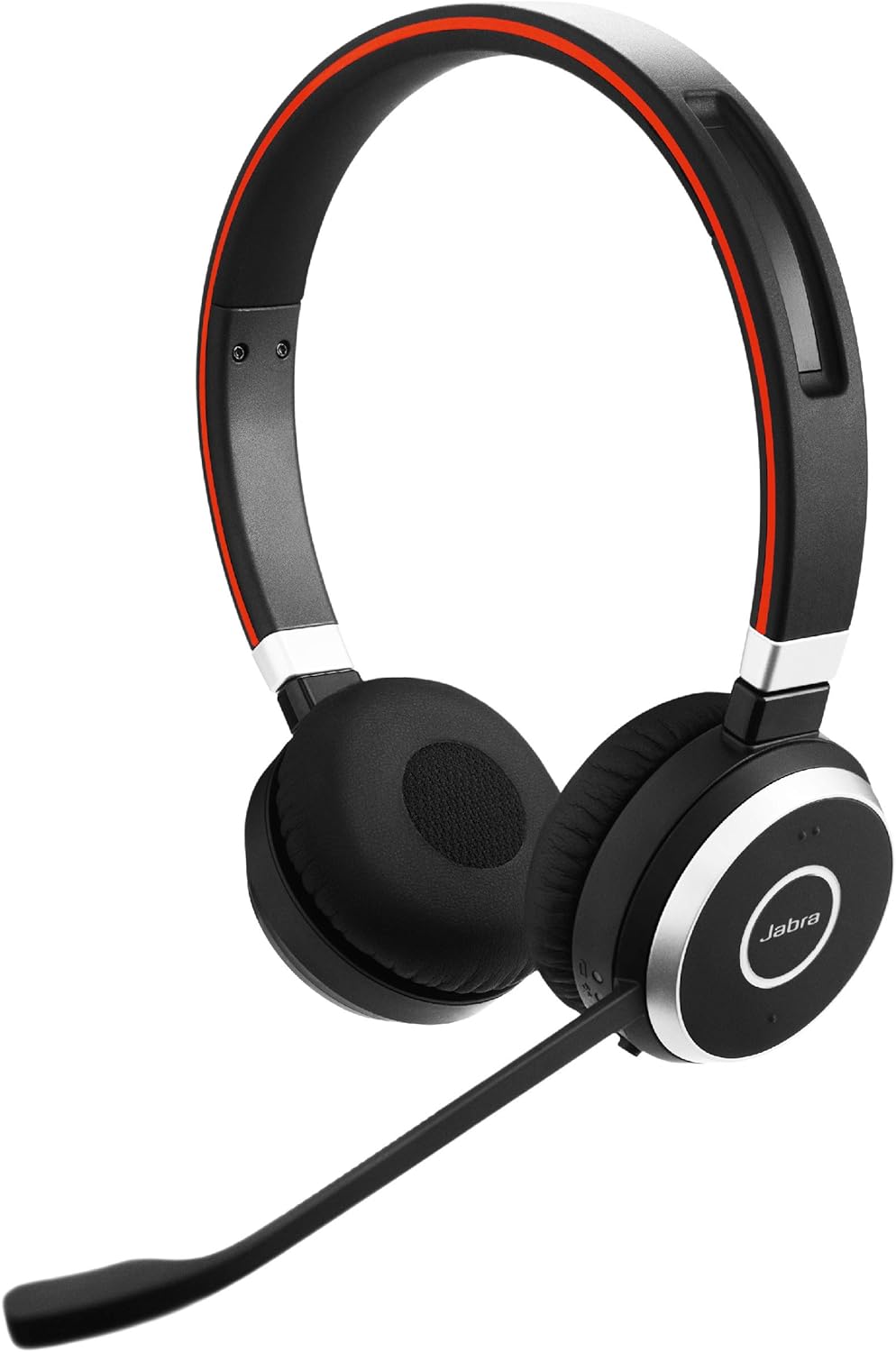
Jabra Evolve 65 Wireless Headset
Consider it for: A call routine that needs a wireless headset after connection, comfort and workplace-device rules are checked.
Before buying: Verify the exact variant, adapter, charging routine, operating-system support and return terms.
Trade-off: Wireless range and a noise-cancelling microphone do not make every room or meeting platform sound the same.
View product →
Blue Yeti USB Microphone
Consider it for: A fixed desk call setup where a tested microphone position can remain close and stable.
Before buying: Check USB connection, desk space, mute workflow and whether keyboard noise becomes more apparent at close range.
Trade-off: A sensitive desk microphone can also capture room and desk noise.
View product →
Elgato Wave:3 USB Microphone
Consider it for: A fixed computer setup that needs a dedicated USB microphone after room, position and software settings are tested.
Before buying: Verify the USB port, desk position, app permissions and current return terms for the exact listing.
Trade-off: This is not a portable answer for every laptop or shared table.
View product →Sources and evidence
Based on product documentation and the sources below; DeskWise has not hands-on tested these products. Examples describe possible setups, not measured outcomes.
Editorial update: Sep 26, 2026. Product images correspond to their linked retailer pages. Prices and stock are left to the seller’s page.