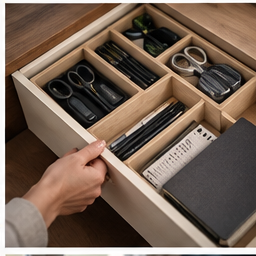
The best reason to add a cable tray is practical: fixed power accessories no longer sit in the cleaning path and the laptop cable stays reachable. The less useful version creates a cramped basket you cannot service. Plan what goes inside before shopping for the basket.
Find your next step
Select the situation you recognize. This identifies a research route, not a compatibility approval.
Read the decision checks ↓Lay out the real contents
Arrange the power strip, adapters and cable slack on the floor in the way they would sit inside a tray. Include the largest plug protruding from the strip and space to operate the switch. The advertised tray length is not enough to judge fit. Keep adapters ventilated according to their instructions and avoid stacking weight on connectors.
Choose the attachment from the desk construction
A clamp tray needs clear contact surfaces just as a monitor clamp does. A screw-mounted tray needs a desktop that permits the fasteners and enough material for the specified screws. Check the underside for rails, drawers and sit-stand controls. If the desk instructions do not permit the proposed attachment, choose another cable route instead of improvising.
Where the Mzmaxy tray fits
The linked Mzmaxy listing describes a 25-inch no-drill under-desk cable tray with clamps. It is relevant when a suitable desktop has a long enough clear mounting zone and you want to gather fixed accessories underneath. Confirm current dimensions, loading and included mounting parts. “No drill” describes the attachment method; it does not prove compatibility with every desk edge.
Keep daily connectors outside the basket
Leave the laptop cable end where you can reach it without leaning below the desk. Separate occasional equipment from permanent wiring so a camera or drive can be removed independently. Use loose, reusable ties on branches you expect to change. Before declaring the installation finished, unplug and reconnect one device without taking the tray down.
A moving desk needs a moving-cable plan
After mounting according to instructions, slowly check the normal range of desk movement while watching the cable route. Stop if any lead tightens, snags or contacts a moving joint. A floor-to-desk power lead and cables between desk-mounted devices need different amounts of slack. Do not leave a loop where feet or pets can easily catch it merely to gain extra length.
Know the trade-off
A tray adds mounting hardware and hides some access from view. It is worthwhile when cleaning and maintenance become easier overall. If the floor is already clear and only a charging lead slides away, a smaller retention solution is more direct. Storage does not correct damaged insulation, insufficient power ratings or overheating; resolve those separately according to the equipment instructions.
The decision at a glance
| Need | Tray helps when | Skip when |
|---|---|---|
| Clear floor | Fixed accessories have a safe mounting location | Only one loose connector is involved |
| Maintain connections | Plugs and switch remain accessible | Basket hides every connection |
| Adjustable desk | All routes have tested travel | Cables tighten at working heights |
Choose the tray only after the real contents, attachment and service access fit together.
Products for the relevant scenario
These are research candidates for the conditions above. Verify the exact variant and seller’s return terms before buying.
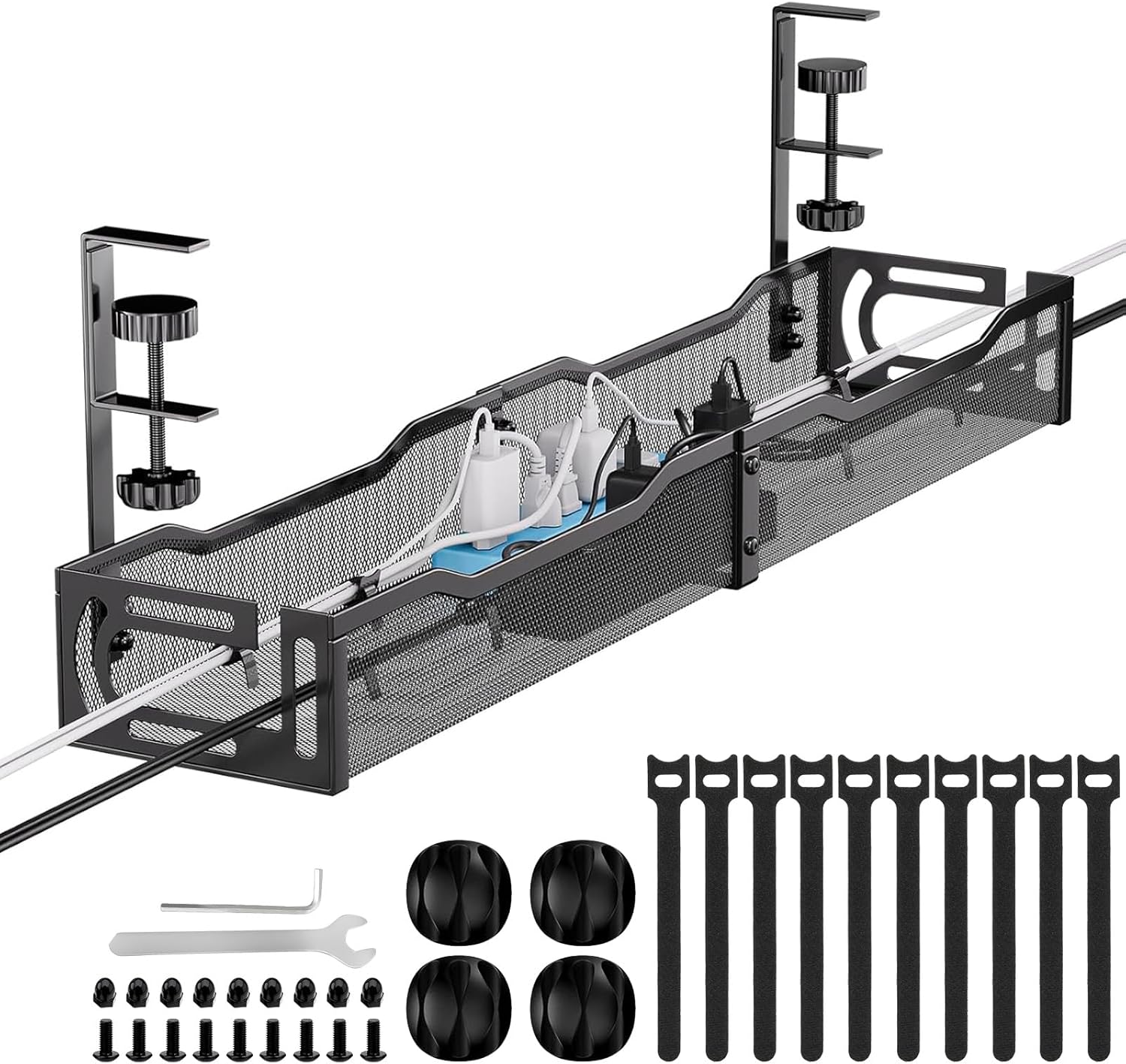
Mzmaxy 25-inch Under-Desk Cable Tray
Consider it for: A fixed group of cables and power accessories below a suitable desk.
Before buying: Compare tray clearance, clamp position, load and plug access.
Trade-off: A tray will not make a damaged cable or overloaded outlet safe.
View product →Sources and evidence
Based on product documentation and the sources below; DeskWise has not hands-on tested these products. Examples describe possible setups, not measured outcomes.
Editorial update: Jul 24, 2026. Product images correspond to their linked retailer pages. Prices and stock are left to the seller’s page.